



If I lose my key tag, can I buy a new one?
No replacement is needed if you download The Club App and use your phone or Apple Watch to check in at the club!
If you’d rather have a key tag, you can purchase a replacement for $5 at the front desk.
How do I download The Club App?
It's easy! Immediately after you join The Workout Club, you'll receive an email invitation from [email protected].
- Click “Set Up Your Account” to create your password and fill out your profile.
- Click “Download Mobile App” and login!
- Go to the Apple App Store or Google Play and look for The Club logo:

- Download the app.
- If you're already a member, click Forgot Password/Resend Invite and follow directions.

I'm having a hard time downloading the app. What should I do?
That's an easy fix.
- Go to your mobile app store and search for The Workout Club.
- Download the app, and under the SIGN IN button, click “Forgot Password/Resend Invite”.
- If you don't receive an invite or get stuck anywhere else along the way please visit your home club or contact us at [email protected].
How do I update my billing info or make a payment?
Simple.
- Go to Member Login - My Account, at the top right of the website. After creating an account at www.myiclubonline.com, you can choose “My Billing Info” tab to manage this.You can also visit any Workout Club location to change your billing information or make a payment on your account or call our billing partner ABC Fitness at 888-827-9262.
Please note that payments made online will not post to your account until the next day and if a payment is made over the weekend or holiday, it is not processed until the following day. This may result in a late fee occurring.
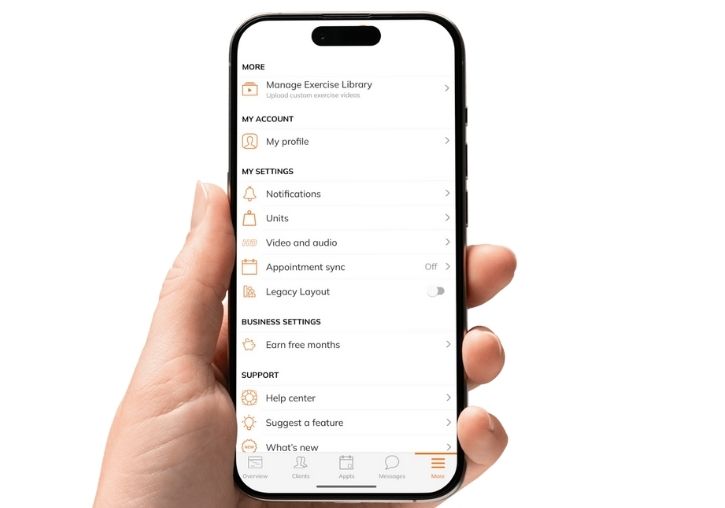
- You can also change your payment method or pay your monthly invoice via The Club App by clicking on the three dots on the bottom right on your home screen and looking under My Account.